Why 75% of resumes never reach a human (and what to do about it)
You applied to 50 jobs. You heard back from 3.
Most people assume the silence means their resume "wasn't good enough." But the truth is uglier and more solvable: 75% of resumes never reach a human recruiter at all. They get filtered out by automated software in under 6 seconds — for reasons that often have nothing to do with how qualified you actually are.
This post explains exactly what happens to your resume between the moment you click "Apply" and the moment a human eye lands on it (or doesn't). And then it tells you the 7 specific fixes that move your resume from the auto-rejected pile to the human-reviewed pile.
The 75% number isn't ours — it comes from Jobscan's analysis of ATS rejection rates across thousands of applicants, and it's been roughly consistent across multiple independent studies for the last five years. Different studies put the number between 70% and 88% depending on the role type and ATS, but the order of magnitude is the same. Most resumes never reach a person.
Let's fix yours.
The two filters every resume passes through
Before anyone reads your resume, it passes through two completely separate filters:
Filter 1: The ATS (Applicant Tracking System). This is software. It parses your resume into structured data, scores it against the job description, and either advances it to a recruiter's queue or buries it. Greenhouse, Lever, Workday, iCIMS, Taleo, Ashby, Naukri Resdex — all variations of the same thing. They have different parsers and slightly different scoring logic, but the failure modes are similar.
Filter 2: The human 6-second scan. Once your resume passes ATS, a recruiter opens it and looks at it for roughly 6 seconds before deciding whether to read further or close the tab. Eye-tracking studies show their eyes go to four zones: your name and current title, your most recent company, the first bullet under that role, and (for fresh grads) your education line.
Most rejection happens at Filter 1. Most people optimize for Filter 2. That's the gap.
Why ATS rejects most resumes — the 5 real reasons
If a recruiter never sees your resume, it's almost always one of these five problems.
1. Keyword mismatch
ATS systems compare your resume against the job description and score the overlap. If the JD says "Python, SQL, machine learning" and your resume says "Python development, database experience, AI work," you've described the same skills but used different words. The ATS doesn't always make that connection. Your score drops; you get filtered.
This isn't about keyword stuffing — that backfires. It's about using the exact phrasing the JD uses, where you legitimately can. If they say "SQL," say "SQL," not "relational databases." If they say "stakeholder management," use that phrase, not "working with executives."
2. Formatting that breaks the parser
Modern ATS parsers struggle with:
- Tables — even simple two-column layouts often parse as garbled text
- Headers and footers — many ATS skip them entirely; if your contact info is in the header, it disappears
- Images — photos, logos, charts, icons all get stripped out
- Multi-column layouts — the second column often reads left-to-right with the first, producing word salad
- Non-standard fonts — some ATS substitute fonts they can't parse, breaking alignment
- PDF text-as-image — if your PDF was scanned or exported with text as images, the ATS reads nothing
The safest format: single-column, standard sans-serif font, no tables, no images, exported as a proper text-PDF (not a scan).
The single most common self-inflicted wound: fancy templates. That designer resume with sidebars and icons often parses into an unreadable mess. When in doubt, single column wins.
3. Section headings the parser doesn't recognize
ATS systems look for specific section headings to know where your work history is, where your education is, where your skills are. If you call your work section "Career Adventures" or "What I've Done," some ATS won't recognize it as work experience and won't score those bullets properly.
Use the boring, expected names: Experience, Education, Skills, Projects, Summary. Save the creative writing for the bullet content, not the section labels.
4. File format issues
PDF is generally safe. DOCX is safe. Pages files, Google Docs HTML exports, RTF — risky. Some ATS won't accept them at all; others will accept them and parse them badly.
When in doubt, export to PDF directly from a tool you trust. Some companies request a Word file specifically — give them DOCX, not a renamed PDF.
5. Missing the implicit requirements
ATS often filter based on requirements that aren't stated as "required" on the JD but are scored heavily anyway: total years of experience, specific certifications, education level, work authorization status. If you don't surface these clearly on the resume, the ATS may filter you out even when you actually meet the bar.
Put years of experience in your summary. Put certifications next to your degrees. Put work authorization status near your contact info if the role is in a country where it matters.
Put this into practice with Profylo
Build an ATS-ready resume, score it in real time, and publish a digital portfolio — in one afternoon.
Start free — no cardWhat happens in the 6-second human scan (Filter 2)
Let's say you've passed ATS. A recruiter opens your resume. What now?
Eye-tracking studies from The Ladders and Heriot-Watt University have measured exactly where recruiter attention goes. Roughly 80% of their 6 seconds is spent on four zones:
- Your name and current title (1–2 seconds) — they're checking the seniority match
- Your most recent company (1 second) — pattern-matching brand recognition
- The first bullet under your most recent role (1–2 seconds) — looking for an impact signal
- Your education line (mostly for fresh grads — 1 second) — institution + degree
That's about 5 seconds of attention. The rest of your resume? Skimmed at best, often not read at all.
This has a brutal implication: if those four zones don't sell you, the rest of your resume doesn't matter. You could have brilliant bullets on page 2, deeply impressive projects in the middle, perfectly quantified outcomes throughout — and none of it gets read.
The 7 fixes — in order of impact
If you have one hour to improve your resume, spend it on these seven things in this order.
Fix 1: Match the JD's keywords (45 minutes)
For the specific job you're targeting, paste the JD next to your resume and go through it phrase by phrase. For every skill or tool the JD mentions that you actually have, make sure that exact phrase appears somewhere on your resume — ideally in both your skills section and your experience bullets.
Don't fabricate skills you don't have. ATS scoring is one thing; the human screen and the interview will catch you out.
If you're applying to multiple roles, you can't tailor every resume manually. This is exactly the problem the ATS Analyzer exists to solve — paste the JD, get a 0–100 score, see which keywords are missing, fix them in one click.
Fix 2: Strengthen the first bullet under your current role (10 minutes)
Look at the first bullet under your most recent role. Read it out loud. Does it lead with a strong action verb? Does it quantify an outcome? Does it tell a recruiter, in one line, what you're capable of?
Compare these two versions:
❌ "Responsible for managing the data analytics team and various projects."
✅ "Led 6-person data analytics team; shipped 14 dashboards used by 200+ stakeholders, reducing decision lag from 5 days to 4 hours."
The second version takes 3 seconds to read. It tells the recruiter: this person leads teams, ships product, drives quantifiable business outcomes. That's what gets the rest of the resume read.
Fix 3: Strip tables, images, columns, headers (15 minutes)
Open your resume in Word or Google Docs. If you see any of these — kill them:
- Tables (replace with single-column lists)
- Photos or logos (delete)
- Two-column layouts (convert to single column)
- Content in the document header or footer (move to the body)
- Custom fonts (replace with Calibri, Arial, or a similar standard sans-serif)
Yes, this makes the resume look less designed. Modern ATS hygiene rewards boring formats. You're not designing a poster; you're feeding a machine.
Fix 4: Use standard section headings (5 minutes)
Replace creative section headings with the boring expected ones:
| Replace this | With this |
|---|---|
| "My Journey" / "Career Story" | Experience |
| "Academic Background" / "What I Studied" | Education |
| "What I Bring" / "My Toolkit" | Skills |
| "Things I've Built" / "Stuff I've Made" | Projects |
Fix 5: Surface implicit requirements (5 minutes)
In your summary or top section, surface the things ATS scores you on even when they're not labeled "required":
- Years of total experience
- Highest degree + institution
- Work authorization status (if applying internationally)
- Notice period (if applying in India — Naukri scores this)
- Relevant certifications
A summary line like "7 years backend engineering · BTech IIT Bombay · Indian citizen · Available immediately" costs you 12 words and meaningfully improves ATS scoring on multiple axes.
Fix 6: Save as PDF (text, not image) — 2 minutes
In Word: File → Save As → PDF. In Google Docs: File → Download → PDF Document. Open the resulting PDF in Adobe Reader and try to select text with your cursor. If you can select and copy individual words, the PDF is text-based and ATS-safe. If you can't, the PDF is image-based — re-export it.
Fix 7: Test before you submit (10 minutes)
Before you hit submit on any application, run two checks:
-
Copy-paste test. Open the PDF, select all (Ctrl+A or Cmd+A), copy, paste into a blank text file. If the text comes out as a clean readable resume in the right order, the ATS will see it the same way. If it comes out scrambled (sections out of order, words from two columns mashed together, missing your contact info because it was in the header), the ATS will too.
-
JD-specific score test. Run your resume against the specific JD you're applying to, on an ATS-scoring tool. The ATS Analyzer in Profylo does this; so do Jobscan, Resume Worded, Rezi. A score above 75 is your minimum bar. Below 60 means you'll likely be auto-filtered.
The mental model shift
Most career advice tells you to "write a compelling resume" — as if the resume itself is the goal. It isn't. The resume is a probe sent through two filters: a machine filter and a human filter. Your job is to design the probe to survive both.
That means accepting some unglamorous truths:
- The most beautifully designed resume in the world will lose to a boring single-column ATS-safe resume nine times out of ten
- Keyword matching feels like "gaming the system," but it's literally how ATS works — not optimizing for it is leaving the door closed
- The first 5 seconds of a recruiter's attention will decide everything; the next 25 seconds of careful reading is a bonus, not a guarantee
- Tailoring per role isn't optional; it's the actual job
And — most importantly — you can't fix this by writing better prose. You fix it by understanding the filters and engineering around them.
That's what Profylo does. ATS Analyzer scores you against any JD. Resume Builder ships clean ATS-safe formatting by default. Naukri Resdex Optimizer handles the India-specific scoring quirks no global tool does. Cover Letter Studio tailors per role in seconds.
The 75% rejection number isn't a wall. It's just a filter you haven't tuned yet.
Put this into practice with Profylo
Build an ATS-ready resume, score it in real time, and publish a digital portfolio — in one afternoon.
Start free — no cardWhat to read next
- The 6-second test: where recruiter eyes actually go on your resume — eye-tracking studies, heatmap analysis, what survives the scan
- Naukri Resdex Optimizer: how Indian recruiters actually find you — the 12 things that make or break your Naukri search ranking
- The ATS resume format: 12 rules that get you past the filter — concrete formatting checklist with examples
If you found this useful, share it with anyone else stuck in the 75%.
Put this into practice with Profylo
Build an ATS-ready resume, score it in real time, and publish a digital portfolio — in one afternoon.
Start free — no cardRelated reading
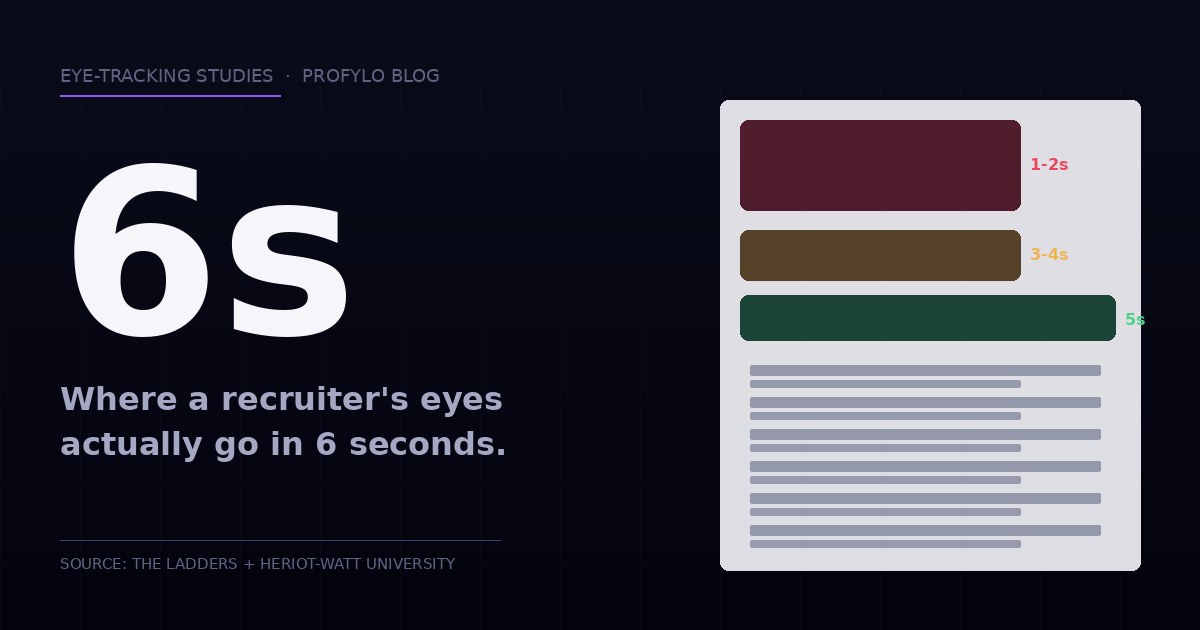
The 6-second test: where recruiter eyes actually go on your resume
Eye-tracking studies on real recruiters show 80% of their 6-second scan happens in four specific zones. Here's what they look at, and how to design a resume that survives the scan.
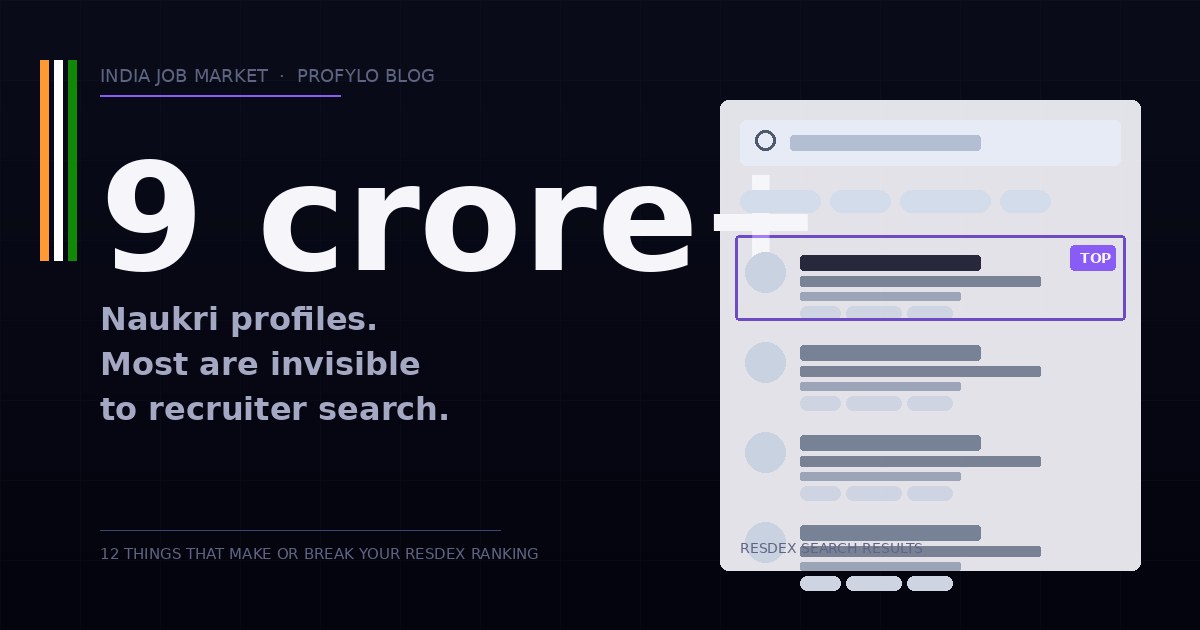
Naukri Resdex Optimizer: how Indian recruiters actually find you
9 crore+ profiles live on Naukri. Most are invisible to recruiter search. Here's what Resdex actually scores — and the 12 fixes that get your profile discovered.
Welcome to the Profylo Blog
Career insights, ATS deep-dives, LinkedIn strategy, and India job-market analysis from the team building Profylo.